During our last module we learned about basic coding concepts and then, practiced the basics of Swift. Below are the information for the first swift activity and a gallery showing examples of the students submissions.
Your goal this week is to start customizing your own app. This week we will be filling in some basic content. Next week, you will continue to build out your app.
By the end of this week, your app should have:
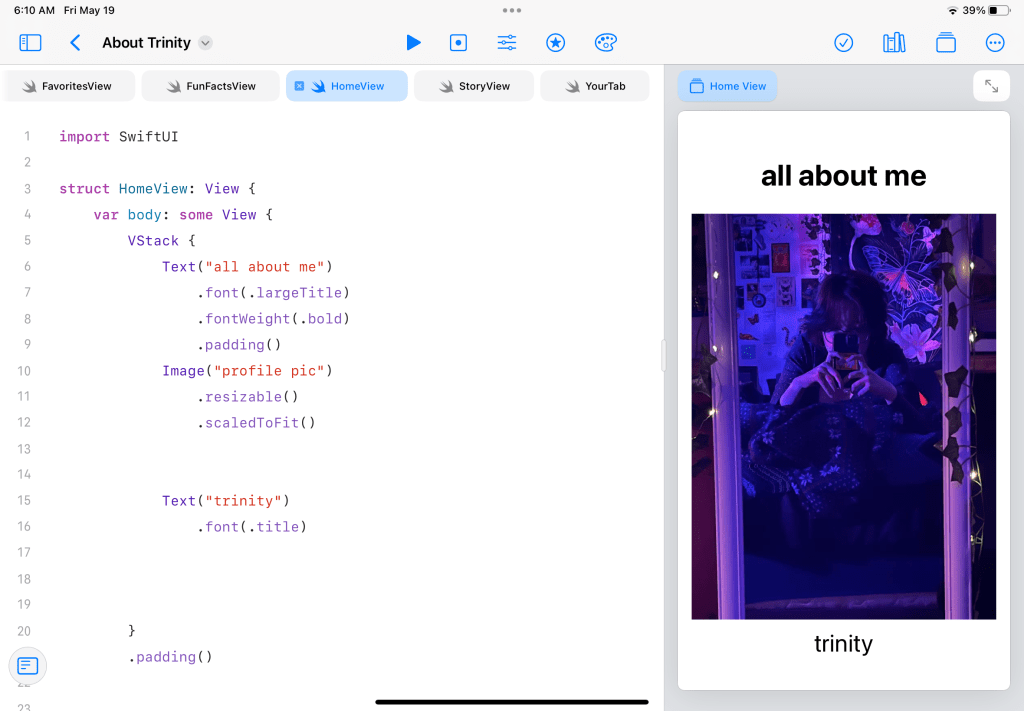
- An updated profile picture of yourself
- Instead of it saying “About Me,” it should say “About [your name]”
- In the Story and Fun Facts tabs, include some information about yourself that you’d like to share (just one or two sentences). For example, you could add a short blurb like this: “My name is Paul and I live in New Mexico with my wife Gabrielle and my dog Faye. I like building and fixing things.”
- In the Favorites tab, update the list of hobbies to show hobbies that you enjoy. You can add images, but it isn’t required.
This is the foundation that you will be adding content to and expanding in week 2 of this unit.
Since your app is in development and not published, you’ll need to submit a screen recording showing your updated About Me app and the changes that you made. Upload and share your video file in the discussion below.
Go to Coding in About Me app watch VIDEO 1 (about 5 min long) to learn how to customize your app. Post here a video recording or screenshot of your app.



 Rosanna Miiller Salas